
USER MANAGEMENT
Give each user the access their role requires.
Align access and permissions with the responsibilities of property teams, tenants and vendors.
CAPABILITIES · 01
Permissions built around responsibilities
Use role-based permissions to align system access with the work each person performs. Begin with the responsibilities of the user, then assign the appropriate access rather than treating every account the same. This provides a practical basis for organizing who can work with the system’s records and operational processes.
What you can do
- Align permissions with a user’s role
- Consider the records needed for the work
- Review access when responsibilities change
CAPABILITIES · 02
Access for property management teams
Property managers and operational teams need access that reflects their responsibilities. Centralized user administration lets access be considered across the system as a whole. When planning permissions, map the work carried out by property, maintenance and finance teams to the information each person needs to use.
What you can do
- Organize access for property management staff
- Match permissions to operational responsibilities
- Plan access across connected module workflows
CAPABILITIES · 03
Tenant and vendor user access
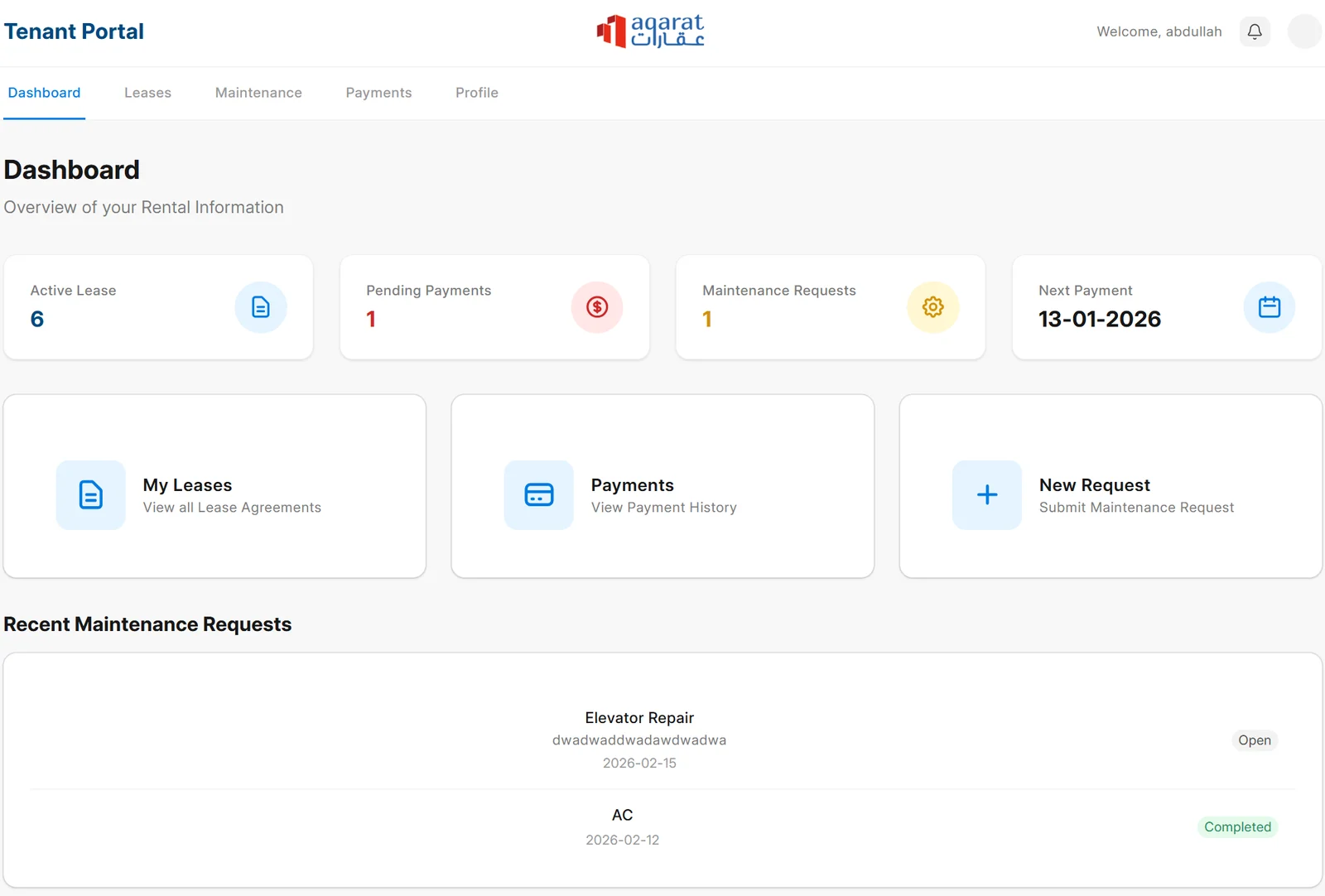
AQARAT’s user management covers property managers, tenants and vendors. These user groups have different reasons for interacting with the system, so their permissions should reflect those responsibilities. Define the intended access for each group during setup and consider it separately from the access assigned to internal administrators.
What you can do
- Manage users from different stakeholder groups
- Align tenant and vendor permissions with their responsibilities
- Define intended access during system setup
CAPABILITIES · 04
Centralized user administration
Manage user access and permissions from a central system administration perspective. This supports consistent decisions as people join teams, move between responsibilities or no longer need their previous access. Treat user administration as part of the operating process so account access stays aligned with the current team structure.
What you can do
- Administer user access across the system
- Apply a consistent approach to permission decisions
- Revisit permissions as the team structure evolves
CAPABILITIES · 05
Keep access aligned as operations change
Permission management continues after initial setup. Review what each role needs when business processes or responsibilities change, and confirm that the intended access still supports the work. For multi-company operations, bring the company structure and reporting responsibilities into the access discussion with the implementation team.
What you can do
- Review roles after operational changes
- Confirm permissions against current responsibilities
- Discuss company structure during implementation planning
Keep Exploring AQARAT

Products
Explore AQARAT’s modules for leasing, maintenance, financial accounting, tenant communication and user access.

Business Benefits
See how connected workflows improve operational clarity, financial visibility and control across your property portfolio.

Solutions
Find AQARAT capabilities for property owners, property management companies and family or group companies.
Bring your team’s responsibilities into focus.
Discuss the access different users need and see how AQARAT’s roles and permissions fit your operating structure.